
How do members book a bay?
Open the external uSchedule booking page, sign in with your member details, choose an available time, and complete the reservation there.
Members: your next round starts here
Existing members manage simulator time through uSchedule. Rozay Golf keeps booking external so the process stays familiar, direct, and connected to your membership.
Open the external uSchedule booking page, sign in with your member details, choose an available time, and complete the reservation there.
Prospective members may request a one-hour trial by emailing up to three preferred dates and times. A request is not a confirmed reservation.
Primary members may keep up to two active bay bookings and book up to two hours per day. Members may bring up to three guests per bay booking.
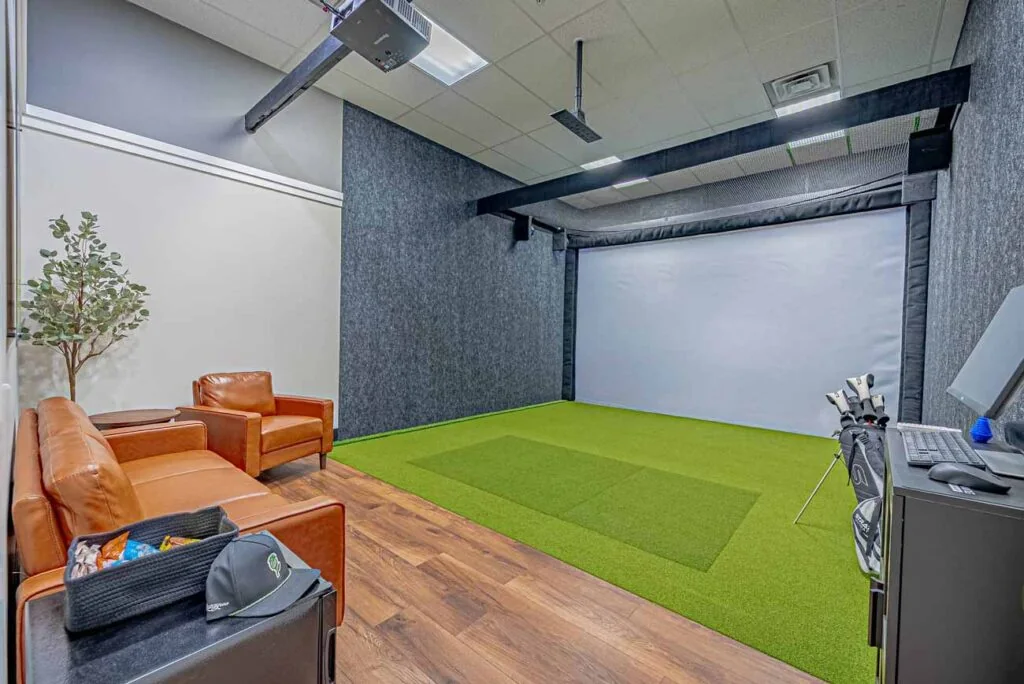
Golf balls are provided in every bay. Clubs are not available for rent, so members and guests should bring the clubs they want to use.
Existing members
Use the official external member booking page.
Sign in, review availability, and select a private bay.
Confirm the reservation inside uSchedule.
Not a member yet?
Trial requests are subject to availability and are not confirmed until the Rozay Golf team replies.